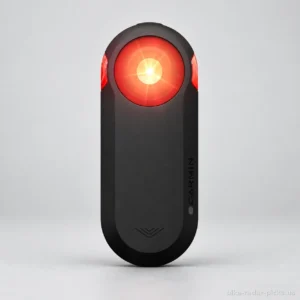
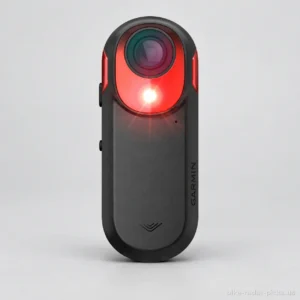
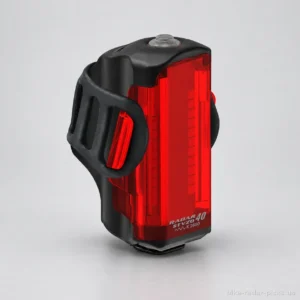
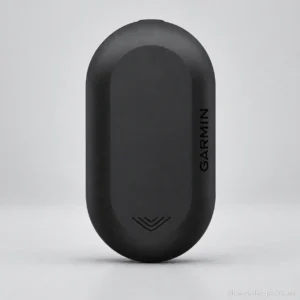
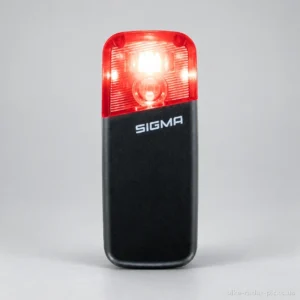
Sigma RECO 80 LINK
Top-ranked for battery life and detection angle.
Read the review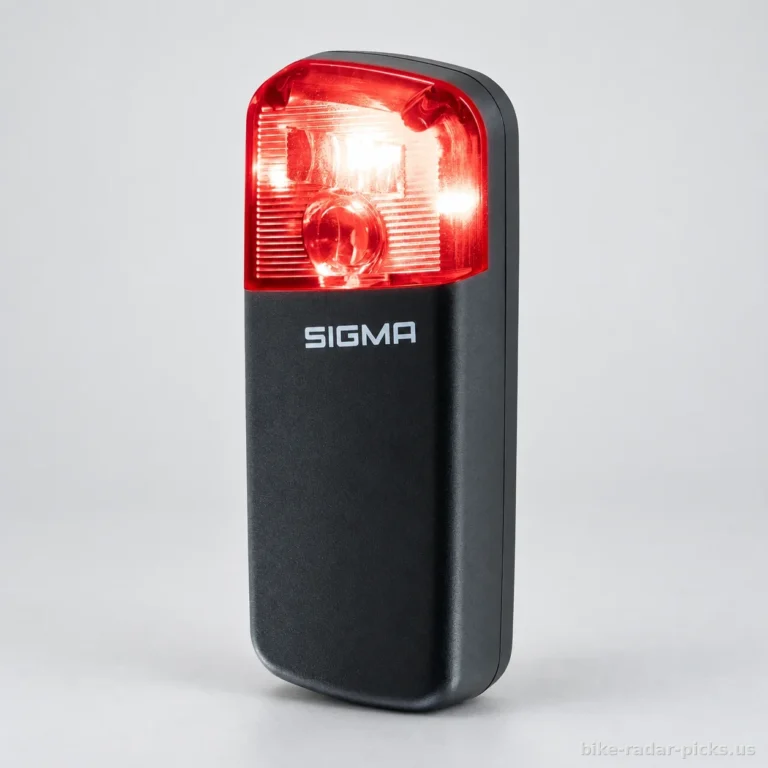 Our rankingsThe best bike radars23 bike radars
By compatible with a bike computer
By detection range
By battery life
Features and options
Our guides to choosing
From entry-level to high-end models, the features available help guide your choice of an Android-compatible bike radar. The buying guide below helps you compare alert reception, lighting and battery life.
Prices collected from retailers are for guidance only: they may have changed since, the current price is the one shown by the retailer. No price is shown for models sold only on Amazon. Amounts converted from reference prices in euros using a dated exchange rate.
Top-ranked for battery life and detection angle.
Read the review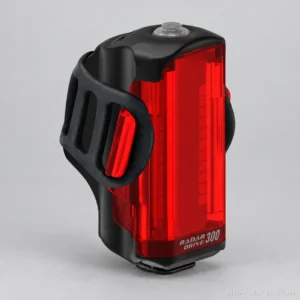
Top-ranked for light output.
Read the review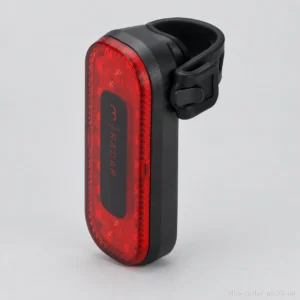
Top-ranked for detection range.
Read the review| Rankings | Rating | Price | Detection range | Battery life | Weight | Light output | Detection angle | Charging time | Battery capacity |
|---|---|---|---|---|---|---|---|---|---|
| 1. Sigma RECO 80 LINK | 8.9/10 | n/a | 160 m | 30 h | n/a | n/a | 60 ° | 3 h | 1350 mAh |
| 2. Lezyne Radar Drive Rear | 7.9/10 | $131 | 150 m | 20 h | 144 g | 300 lm | 35 ° | 3 h | n/a |
| 3. BBB Cycling Signal Radar BLS-251 | 7.8/10 | $110 | 190 m | 14 h | 90 g | 80 lm | 35 ° | n/a | n/a |
| 4. Garmin Varia RTL515 | 7.7/10 | $150 | 140 m | 16 h | 71 g | 65 lm | 40 ° | n/a | n/a |
| 5. Garmin Varia RCT716 | 7.4/10 | n/a | 140 m | 5 h | 147 g | 5 lm | 40 ° | 3 h | n/a |
Rankings are based on our review ratings, calculated by comparing manufacturer specifications across the full catalogue.Our methodology.
The best Android-compatible bike radar is one that sends alerts to an app compatible with your phone, under conditions suited to your rides. Its purpose is practical: to help you spot vehicles approaching from behind, with the option to receive alerts without a dedicated bike computer.
This option is worth considering if you already use your phone for navigation. It allows you to build your setup around that screen. But the mention of Bluetooth is not enough: you need to check that the app actually receives radar information, rather than simply letting you adjust its settings.
This guide does not refer to the price of any specific model. Also allow for the accessories you need, particularly a suitable phone mount.
A rear radar provides additional information about approaching vehicles. On a road where passing vehicles are spaced out, this information can help you anticipate their arrival and stay aware of your surroundings. It cannot, however, predict a driver's behaviour.
Detecting a vehicle and making the cyclist visible are separate functions. The radar provides information; the rear light helps make you visible. A device combining these functions can simplify your setup. The choice between a bike radar with a steady light and a bike radar with a daytime flashing light then depends on how you ride and the applicable rules.
The absence of an alert never guarantees that the road is clear. Before moving out or changing direction, a visual check remains essential. The radar supports your awareness; it does not determine when a manoeuvre is safe.
A phone can be suitable if alerts remain accessible throughout your ride. The choice depends more on how you actually use it than on simply being able to pair the devices.
You need to check that it works with the screen locked, as well as whether you receive alerts while using your navigation app. Do not assume these functions are available just because the initial connection works. A compatible bike computer may still make sense if you want to preserve your phone's battery.
Our approach is based on analysing documented specifications, stated compatibility and aggregated feedback where available and usable. We do not handle the products ourselves. The available user feedback does not establish a reliable trend here.
We therefore distinguish established functions from points that still need checking. Browse the selection on this page, starting with your phone and intended app: you can then compare models by lighting, documented battery life, mounting and your overall budget.
The best bike radar compatible with Android is the one whose alerts are supported by an app compatible with your phone. Before comparing detection or battery life, check this entire setup. Our analysis draws on documented information from available sources, without physically handling the devices.
Bluetooth support does not guarantee that your phone will display approaching vehicles. You need an app that can interpret the radar data. An app used only for settings is not enough. Likewise, ANT+ support does not prove direct compatibility with Android.
The Google Play listing for the Garmin Varia app mentions RVR315, RTL515 and RCT715 among the compatible devices. This documents their support by the app but does not specify the required Android version or how alerts behave in the background.
A label such as “Garmin-compatible bike radar” addresses a different compatibility requirement and does not replace these phone checks.
Choose according to how you ride. With your phone visible on the handlebars, check how alerts are displayed and how easy they are to read. If you plan to keep the screen off, the priority becomes how alerts work with the screen locked. The available information does not confirm this for every combination of radar, app and phone.
Before buying, consult the documentation on audible alerts, required permissions and battery restrictions. If you use a navigation app, look for explicit confirmation that both can work simultaneously. Do not assume that alerts will appear directly on your map.
Once it arrives, check the settings while stationary, particularly the volume and what happens when the screen locks. If the setup is too cumbersome, a compatible bike computer may be a better choice.
Consider the functions separately. The radar alerts you to approaching vehicles; the rear light helps make you visible. If you already have suitable lighting, consider options without an integrated light. Otherwise, a combined radar and light can simplify your setup.
Compare only the documented specifications for the exact model. A stated range or tracking capability does not account for every situation encountered on the road. The absence of an alert does not guarantee a clear road; always check visually before any manoeuvre.
For lighting, check which modes are actually available. A bike radar with a steady light and a model offering several lighting modes should be compared according to your rides and the applicable rules.
| Criterion | What to look for | Common mistake |
|---|---|---|
| Android compatibility | Model explicitly supported by the app | Relying on Bluetooth alone |
| Alerts | Documented operation with your setup | Assuming alerts remain active with the screen locked |
| Lighting | Modes suited to your rides | Confusing detection with visibility |
| Battery life | Stated runtime for your intended mode | Comparing maximum runtimes alone |
| Mounting | Compatible mount and unobstructed position | Forgetting about the saddlebag |
Use the stated battery life for the mode you will use, allowing a margin for the unexpected. A maximum runtime is not enough if it applies to a different lighting setting from yours.
Your setup also depends on your phone. Navigation, screen use and receiving alerts should all factor into your preparations. Check how the radar is recharged and how the app indicates a disconnection. For long rides, choose a setup whose status you can easily monitor.
Examine the shape of your seatpost and the contents of the box. The supplied mount should fit your bike without requiring an unexpected extra purchase during installation. Also check the available space around your saddlebag, luggage rack and existing lights.
Follow the manufacturer's positioning instructions and keep the device unobstructed. If you ride in the rain, check the documented ingress protection rating and the instructions for the charging port. For a handlebar-mounted phone, also choose a secure mount suited to its dimensions.
No usable pricing information is available for this collection, so we cannot establish reliable ranges. Compare the cost of the complete setup, considering these configurations:
Before ordering, confirm app compatibility, the accessories required and the return policy if your intended use remains insufficiently documented.
First, check compatibility between the radar, app and phone. Then choose based on the alerts available during your rides, lighting, battery life and mounting. Any undocumented feature needs to be checked before purchase.
The best bike radar depends on your equipment and how you want to receive alerts. On Android, prioritise documented compatibility with the app you use before comparing lighting, battery life and mounting. The available evidence does not establish a universal winner. Our analysis is based on documented information, without physically handling the products.
Check that the app documentation lists the exact radar model, then check its Android requirements on Google Play. A Garmin-compatible bike radar or a Wahoo-compatible bike radar will not necessarily work with your phone. Above all, check that the app receives vehicle alerts, rather than simply offering settings or update functions.
Yes, provided the radar sends its alerts to a compatible app on your Android phone. A bike computer is then optional for this use. Before choosing this setup, check screen readability, the available alerts and how the phone is mounted. For a long ride, also consider the battery consumption of all the apps you use.
The Google Play listing names the Garmin Varia RearVue 820, RVR315, RTL515 and RCT715 among the devices compatible with the Varia app. The available list is truncated, so it cannot be considered exhaustive. Check the full app listing to confirm your model and the Android requirements. The available listing does not establish compatibility with the RTL516.
No, having Bluetooth does not guarantee that your phone can display detected vehicles. You also need an app that supports alerts from that specific radar. A connection used for settings does not establish that this feature is supported. Similarly, mentioning ANT+ alone does not confirm that alerts can be received on Android.
This needs to be confirmed for the specific app and phone; the available documentation does not guarantee it. Check the app developer’s guidance on background alerts, then your phone’s permissions and battery restrictions. Before your ride, check how it behaves with the screen locked in a safe setting. Do not rely on an audible alert unless you are sure it works.
Yes, if the apps support simultaneous use, but the available documentation does not confirm this for any specific combination. Distinguish between alerts integrated into navigation and those sent separately by the radar app. Check what remains visible or audible when the map fills the screen, as well as how alerts behave in the background and after any disconnection.
No, a bike radar is an awareness aid and does not replace a visual check before a manoeuvre. The absence of an alert does not guarantee that the road is clear: detection conditions or a lost connection can limit the information you receive. Look around, signal your intention and check that you can change direction safely.