Garmin deserves a place on your shortlist of cycling radars, but its name alone does not make it the best choice for your riding. To decide, prioritise confirmed compatibility with your equipment, genuinely useful features and charging requirements. Our recommendation is therefore conditional: choose a Garmin model if it meets these criteria, without assuming a technical advantage based solely on its reputation.
Contents
- What can we really conclude about Garmin cycling radars?
- Start by defining what you expect from your radar
- What should you check before choosing a Garmin cycling radar?
- Exact compatibility matters more than the brand name
- Battery life must suit the mode you intend to use
- The radar and rear light serve different needs
- Check mounting and charging requirements before buying
- How can you read product claims without overestimating performance?
- Which customer reviews help you assess Garmin?
- How do Garmin, Bryton, Magene and iGPSPORT compare?
- When should Garmin make your shortlist?
- Frequently asked questions about Garmin cycling radars
- Should you favour Garmin if you already own equipment from the brand?
- Are cycling radars compatible with all cycling computers?
- Does maximum range guarantee an early enough warning?
- How should you compare battery life on radars with rear lights?
- Does a shutdown after charging necessarily indicate a fault?
- How do you clean a cycling radar?
This comparison is based on documentary research. We do not physically test the products. The aim is to help you weigh up the options and interpret reviews, without treating a brand preference as proof of performance.
What can we really conclude about Garmin cycling radars?
To assess Garmin, separate 3 questions: your interest in the brand, the capabilities of the model you are considering and its suitability for your equipment. These questions come together when buying, but they are not interchangeable. Liking a brand confirms neither compatibility nor the usefulness of a feature.
Choose a specific device for a specific need. A useful recommendation should explain what you are looking for and what makes that model a suitable choice. Otherwise, it remains a general opinion about Garmin.
The same caution applies to criticism. A negative comment is not enough to judge an entire range. Before accepting a claimed strength or weakness, identify the model concerned, the context of the feedback and corroborating evidence for any technical claim.
Start by defining what you expect from your radar
Before comparing brands, describe your needs in a few sentences. Do you want to receive alerts on your usual equipment? Do you also want a rear light? What charging routine suits you? These answers will guide your selection.
Then rank your priorities so that an appealing feature does not overshadow an essential requirement.
- The essentials cover the points you cannot buy without, including confirmed compatibility.
- Preferences help distinguish between devices that already meet your requirements.
- Secondary features can be disregarded if you do not plan to use them.
This method helps you assess where a product sits in the range. A high-end device is not automatically more suitable for you. An entry-level or mid-range option also deserves your attention if the decisive points are confirmed.
What should you check before choosing a Garmin bike radar?
Exact compatibility matters more than the brand name
Across the category, the presence of ANT+ or Bluetooth does not mean that a radar works with every bike computer and phone. A stated connection type is therefore not enough to confirm compatibility with your equipment. Look for explicit confirmation for the exact models you want to pair.
Already owning a device from a brand does not remove the need for this check. Note its full name and consult the manufacturer’s information. If the answer remains unclear, ask for clarification before buying. An assumed pairing should not become the basis for your decision.
Battery life must match the mode you want to use
For bike radars with a rear light, the stated battery life depends on the mode. It is much longer with the light off or in daytime flashing mode than with a steady light. Comparing only the maximum figures can therefore give a misleading picture of the options.
Start with how you want the device to operate, then examine the corresponding claim. Maximum battery life never guarantees how long a ride can last. If the conditions are not clearly specified, leave this criterion unresolved instead of ranking devices on an uncertain basis.
The radar and rear light serve different needs
When your shortlist includes devices with a rear light, assess the value of this feature separately. A rear light helps you be seen; it does not illuminate the road. The stated lumens apply to the brightest mode and do not represent every available mode.
Consider whether you want a radar, a rear light or a solution combining these functions. For the exact capabilities of each model, consult the manufacturer’s information without generalising across an entire brand.
Check installation and charging requirements in advance
Do not leave these questions until the device arrives. Read the installation and charging instructions for the device you are considering. Check that the stated requirements suit you, then factor them into your comparison. Follow the manufacturer’s instructions for your setup.
How can you interpret product claims without overestimating performance?
A product listing often highlights maximum figures. To interpret them, always look for the associated conditions. The figure catches your attention; its context determines what you can actually conclude from it.
A radar’s stated range is a maximum under favourable conditions. It cannot guarantee how much warning you will receive before each vehicle approaches. Converting this range into time available to react would therefore be misleading.
The radar remains an aid. As manufacturers point out, it does not replace staying alert or looking behind you. This limitation still applies before any manoeuvre, whichever brand you choose; it is not a fault specific to Garmin.
Similarly, an IPX6, IPX7 or IP67 rating describes a laboratory assessment. It should not be interpreted as blanket permission to clean the device in any way. Follow the manufacturer’s instructions when caring for your device.
Which customer reviews are useful when assessing Garmin?
User feedback can raise questions that a product listing does not adequately address. However, it is not enough to establish performance or a general trend. An average rating alone does not explain why a device would suit your riding.
Prioritise reviews that specify the model concerned and the context. A detailed review is still an individual account, but it at least helps identify what needs checking.
- Does the review concern the exact device you are considering?
- Does it describe a personal preference or make a technical claim?
- Is the equipment used alongside it clearly identified?
- Is the mode specified when battery life is discussed?
- Can the claim be confirmed with the manufacturer?
Repeated comments warrant looking into a point further, without automatically becoming a conclusion about the entire brand. Conversely, several positive reviews do not replace confirmation of compatibility.
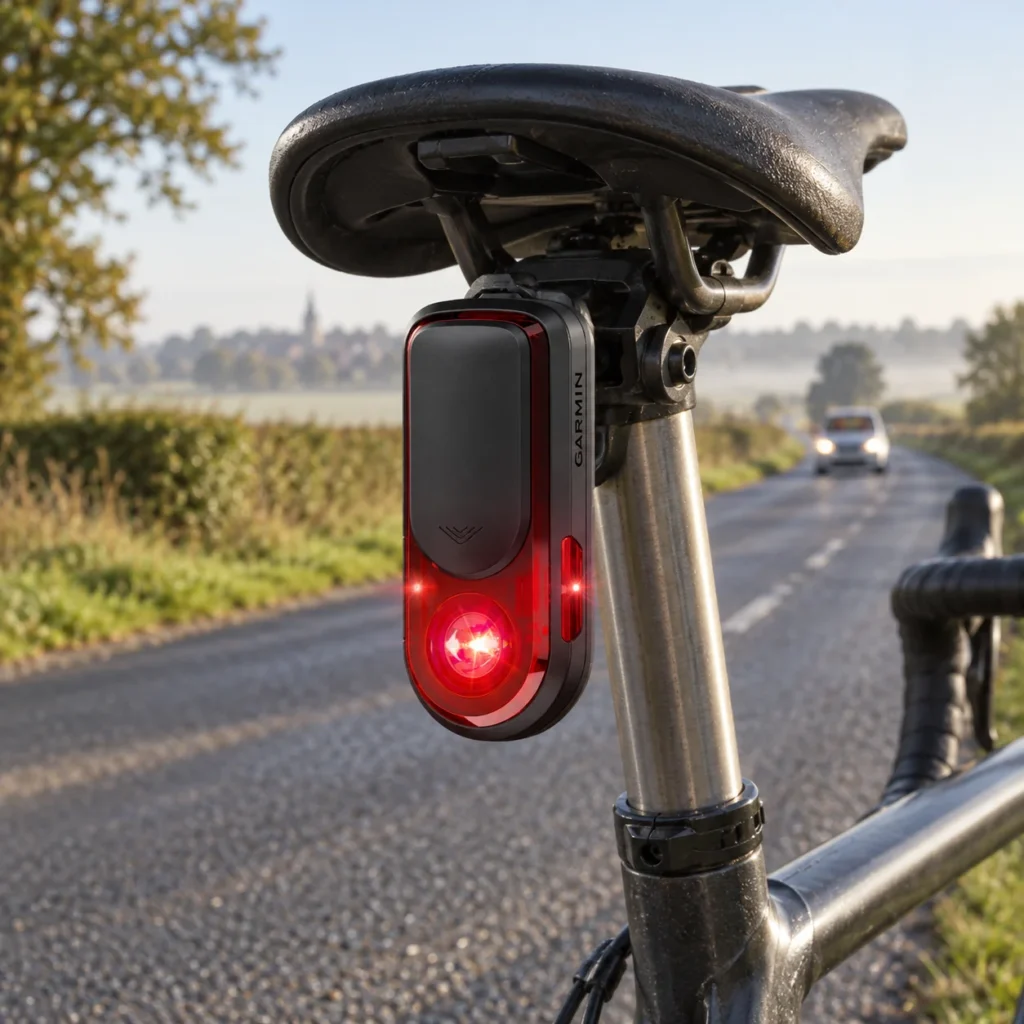
How do Garmin, Bryton, Magene and iGPSPORT compare?
Bryton, Magene and iGPSPORT may feature in your search for alternatives. However, their names alone tell you nothing about their specifications or suitability for your equipment. Compare specific models using a common set of criteria.
In particular, avoid comparing a detailed listing with an incomplete overview as though they provided the same level of information. An undocumented point still needs checking; it is neither a proven advantage nor a proven drawback.
| Criterion | Question to answer |
|---|---|
| Compatibility | Is compatibility with your exact equipment explicitly confirmed? |
| Features | Are the features you need documented for this model? |
| Battery life | Do the claims refer to the same mode? |
| Installation | Have you consulted the instructions that apply to your setup? |
| Charging and maintenance | Do the instructions fit your needs? |
This checklist does not automatically identify a winner. It makes the differences clearer and helps you avoid choosing solely on brand recognition or market positioning.
When should you shortlist Garmin?
Choose a Garmin model when it meets your requirements and the key points are confirmed. You should be able to explain your decision simply: compatibility with your equipment is documented, the features appeal to you and the requirements suit you.
Postpone your decision if an essential requirement remains uncertain. A convincing presentation or enthusiastic reviews cannot make up for unconfirmed compatibility. Resolve the missing information first.
- Identify your equipment and the model you are considering.
- Confirm their compatibility with the manufacturer.
- Compare features and claims in context.
- Read the installation, charging and maintenance instructions.
Garmin is an option worth considering, not a universal recommendation. Whether it is worth buying depends on what is confirmed and useful to you.
Our picks for this topic
The bike radars we recommend here
| Model | Rating | Detection range | Battery life | Deal |
|---|---|---|---|---|
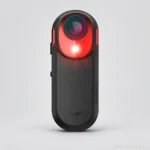 Garmin Varia RCT715 | 7.8/10 | 140 m | 6 h | Check price on Amazon →Our analysis |
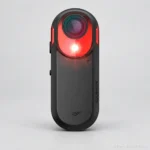 Garmin Varia RCT716 | 7.4/10 | 140 m | 5 h | Check price on Amazon →Our analysis |
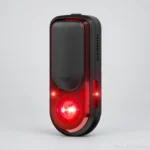 Garmin Varia RearVue 820 | 8.6/10 | – | 30 h | Check price on Amazon →Our analysis |
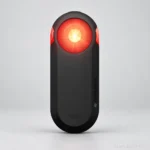 Garmin Varia RTL515 | 7.7/10 | 140 m | 16 h | Check price on Amazon →Our analysis |
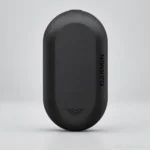 Garmin Varia RVR315 | 7.2/10 | 140 m | 7 h | Check price on Amazon →Our analysis |
Selected based on our reviews: models relevant to this guide, rated using the same criteria as our full catalogue. Prices change: check the retailer’s site for current pricing. As an Amazon Associate, we earn from qualifying purchases.
Frequently asked questions about Garmin bike radars
Should you favour Garmin if you already own equipment from the brand?
This may help guide your search, but it does not confirm compatibility. Check the exact models with the manufacturer before drawing a conclusion. Sharing a brand name is not enough to confirm that they work together.
Is a bike radar compatible with every bike computer?
No. Across this product category, ANT+ or Bluetooth does not guarantee universal compatibility. Look for explicit confirmation for your equipment. If there is no clear answer, ask the manufacturer for clarification before buying.
Does the maximum range guarantee a sufficiently early warning?
The advertised range is a maximum under favourable conditions. It cannot guarantee how much warning you will receive before each vehicle approaches. The radar remains an aid and does not replace staying alert or looking behind you.
How should you compare battery life for radars with a rear light?
Compare claims for the same mode. Battery life is much longer with the light off or in daytime flashing mode than with a steady light. Do not treat a maximum figure as a guaranteed ride duration.
Does a shutdown after charging necessarily indicate a fault?
No. As manufacturers’ manuals explain, an unexpected shutdown immediately after charging or in hot conditions may be caused by a built-in thermal safety mechanism. Check the manufacturer’s instructions for your device before drawing a conclusion.
How do you clean a bike radar?
Manufacturers’ manuals specify a dry or slightly damp cloth. Do not use chemical cleaners, solvents or insect repellent, which damage plastic and finishes. Follow the instructions for your device.
Was this article helpful?
0% of readers found it useful (0 reviews)