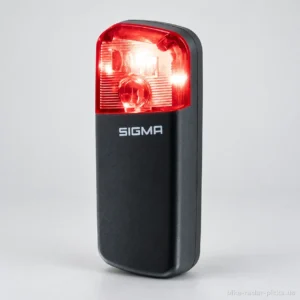
Sigma RECO 81 LINK
Top-ranked for equipment.
Read the review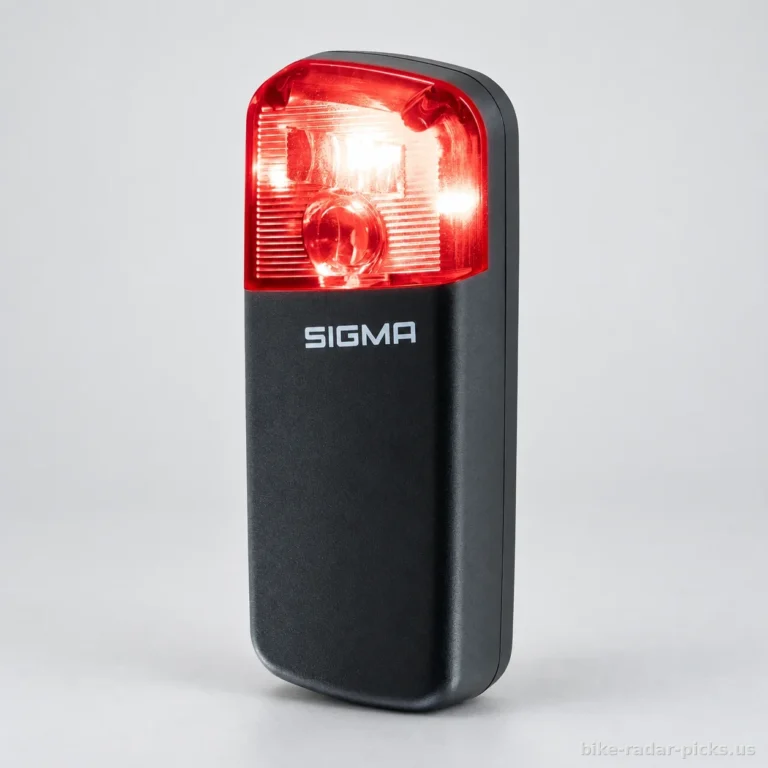 Our rankingsThe best bike radars23 bike radars
By compatible with a bike computer
By detection range
By battery life
Features and options
Our guides to choosing
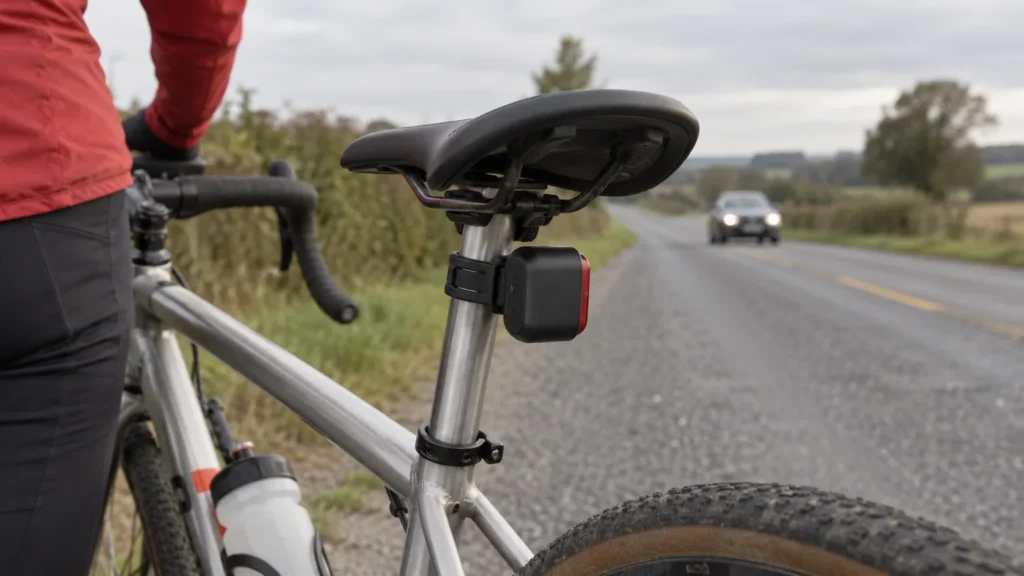
Useful features or a compact design, the right balance depends on your bike. For your bike radar for a round seatpost, the buying guide below helps you weigh up your options based on mounting requirements and your needs.
Prices collected from retailers are for guidance only: they may have changed since, the current price is the one shown by the retailer. No price is shown for models sold only on Amazon. Amounts converted from reference prices in euros using a dated exchange rate.
Top-ranked for equipment.
Read the review
Key strength: detection angle, rated 9.3/10.
Read the review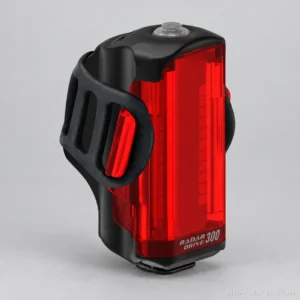
Top-ranked for light output.
Read the review| Rankings | Rating | Price | Detection range | Battery life | Weight | Light output | Detection angle | Charging time | Battery capacity |
|---|---|---|---|---|---|---|---|---|---|
| 1. Sigma RECO 81 LINK | 9.2/10 | $131 | 160 m | 30 h | n/a | n/a | 60 ° | n/a | 1350 mAh |
| 2. Sigma RECO 80 LINK | 8.9/10 | n/a | 160 m | 30 h | n/a | n/a | 60 ° | 3 h | 1350 mAh |
| 3. Lezyne Radar Drive Rear | 7.9/10 | $131 | 150 m | 20 h | 144 g | 300 lm | 35 ° | 3 h | n/a |
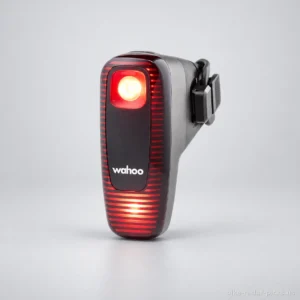
| 4. Wahoo TRACKR RADAR | 7.9/10 | n/a | 150 m | 20 h | n/a | 53 lm | 35 ° | 2 h | n/a |
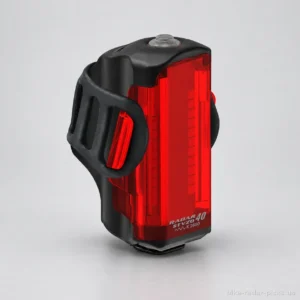
| 5. Lezyne Radar StVZO Rear | 7.4/10 | $143 | 150 m | 9 h | 144 g | 40 lm | n/a | n/a | n/a |
Rankings are based on our review ratings, calculated by comparing manufacturer specifications across the full catalogue.Our methodology.
The best bike radar for a seatpost with a round profile is the one that meets your needs and mounts securely on your bike. Before comparing features, check the mount, the supported diameter and the space available under the saddle. An imperfect fit can compromise installation, even if the device suits your rides.
This setup positions the radar at the rear of the bike in a dedicated spot. It is particularly suitable for cyclists who want alerts about approaching vehicles during their daily commutes or road rides. The installation must still follow the instructions and leave the device properly unobstructed.
A round shape is a useful starting point, but the label “round seatpost” is not enough. The diameter, exposed length and presence of a saddle bag also determine your mounting options. Check these details on your bike before choosing your radar mount for a round seatpost.
The supplied i-Run product listing names Garmin Varia RTL510, RTL515 and RVR315 among the devices compatible with its quarter-turn mount for round seatposts. This list does not establish compatibility with the RCT715. A shared product name therefore does not guarantee interchangeable mounting.
A rear bike radar provides information about vehicles approaching from behind. It is particularly useful when you want to anticipate approaching traffic on your road rides. The alert supports your awareness and helps you understand what is happening behind you.
Receiving this information deserves as much attention as mounting the device. If you are looking for a Garmin-compatible bike radar or a Wahoo-compatible bike radar, check for explicit compatibility with your specific bike computer. The brand name alone does not confirm which features are available.
This device remains an aid. It does not replace looking before a manoeuvre or paying attention to other road users. The absence of an alert must never be taken as permission to change direction.
Your main need will help you choose between setups. Detection signals an approaching vehicle, the light helps you stay visible and the camera adds a recording function. According to the supplied excerpt, the Garmin Varia RCT715 includes a camera. This feature is particularly worth considering if recording is among your priorities.
Compare the cost of the complete setup, including the mount and any device needed to receive alerts. The supplied information does not establish reliable price ranges for these categories. It is better to compare available offers with equivalent features than to assume that a device with more features will be more suitable.
When browsing the selection on this page, start with your mounting setup, then consider your current equipment and how you ride. This will help you identify which models to consider first, without paying for features you will rarely use.
The best bike radar for a round seatpost is one with a mount that fits your bike and alerts you can receive on your equipment. Before comparing features, check the diameter, available space and mount compatibility. These checks help rule out a device that cannot be fitted properly, even if its features meet your needs.
Start by looking for the diameter marked on the seatpost or listed in its documentation. If neither is available, measure its outside diameter with calipers at the round section where you intend to fit the mount. Do not use the diameter of the frame tube or the seatpost clamp.
Then compare this measurement with the range supported by the specific mount. The supplied Biciescapa retailer excerpt states compatibility from 25,4 to 35 mm, but does not clearly identify the model concerned. This range should therefore not be assumed to apply to all Garmin Varia radars.
A strap mount is worth considering if you regularly remove the whole assembly. However, check that the strap and adapter fit the measured diameter. A dedicated mount may suit a permanent installation, provided that the specific model is explicitly compatible with your seatpost and radar.
The deciding factor remains compatibility between the seatpost, mount and radar. A visually similar interface is not enough. Check the list of supported devices, the included adapters and the locking system before ordering.
The supplied i-Run listing states that the Garmin Varia quarter-turn mount for round seatposts, reference 010-10644-11, supports the Varia RTL510, RTL515 and RVR315, among others. It does not mention the RCT715. For that model, request confirmation for the specific mount rather than assuming compatibility based solely on the Varia name.
The mount takes care of installation, but not alert reception. Before buying, look for explicit confirmation of compatibility between your chosen radar and your bike computer or intended app. Also check any setup requirements specified in the manuals.
If you are looking for a Garmin-compatible bike radar or a Wahoo-compatible bike radar, start with the exact model of your bike computer. The brand alone is not sufficient confirmation.
Then check which alerts are actually available on the receiving device. Your choice should suit how you ride and where your screen is positioned. If you plan to use a phone, check that the app supports alerts from your chosen radar.
Prioritise features before comparing specifications. For everyday journeys, consider how easy the device is to charge and remove. For long rides, look for documented battery life in the mode you will use. A battery life claim that does not specify which features are active does not allow a reliable comparison.
Also distinguish between detection, lighting and recording. Choosing a bike radar with a steady light meets a specific lighting need; adding a camera meets a recording need. Choose only the features that are useful for your rides.
| Criterion | What to look for | Common mistake |
|---|---|---|
| Mounting | Mount compatible with the diameter and the device | Relying solely on the round seatpost description |
| Battery life | Enough runtime for your ride in the selected mode | Comparing runtimes achieved with different settings |
| Reception | Explicit compatibility with the bike computer or app | Assuming every display can receive alerts |
| Lighting | Documented modes suited to your needs | Choosing without checking the available modes |
| Space requirements | Installation that accommodates the loaded bag | Assessing space with only the mount in place |
Compare the cost of the complete setup, rather than just the radar itself. Include the appropriate mount, any necessary accessories and the receiving device if your current equipment is unsuitable.
Distinguish between radar-only packages, radars with lights and radars with cameras, then check what each includes. No usable pricing data is provided for this collection, so numerical price ranges would not be sufficiently supported. To decide, check the current prices of the setups that pass your compatibility checks.
First, rule out kits if installation or alert delivery remains uncertain. Then compare documented battery life, useful features and the total cost. Confirmed compatibility matters more than an extra feature that does not meet your needs.
The best bike radar for a round seatpost combines a mount that fits your bike with alerts you can view on your equipment. The available sources do not identify a universal winner. Prioritize mounting compatibility and the ability to receive alerts, then battery life suited to your rides. A built-in light or camera meets additional needs, but neither is enough to determine the best choice.
No, a round seatpost does not guarantee compatibility with every radar. Check the diameter range supported by the mount, its interface with the device and the space available beneath the saddle. The supplied retailer excerpt specifies a range of 25,4 to 35 mm, but does not clearly link it to a particular model. Do not assume this range applies to an entire product line. Consult the instructions for the mount corresponding to your chosen model.
Measure the outside diameter of the seatpost where you intend to attach the mount, ideally using calipers. A marking engraved on the seatpost may also provide this information, if it is still accessible. Then compare this measurement with the mount’s supported range. Also check the clearance beneath the saddle and the space taken up by your saddle bag. The frame diameter or seatpost clamp diameter cannot replace this measurement.
The supplied i-Run listing explicitly names the Varia RTL515 among the compatible devices, but does not mention the RCT715. It also lists the RTL510 and RVR315. This list therefore does not confirm that the same mount is compatible with the RCT715. The excerpt about the latter mentions a mounting kit, without establishing whether it is interchangeable. Check the mount’s exact model number in the documentation for your radar before buying.
Yes, provided the bag leaves enough room to attach and orient the radar according to its instructions. Check the setup with the bag full, as its size and position may change. It must not cover the device or obscure its rear light, if fitted. If space is limited, look for a mounting solution explicitly compatible with your radar and bike, without improvising a setup that may not hold securely.
A bike computer is not necessarily essential, but you need to check which device or app can receive alerts from your chosen radar. The options depend on the model and must be confirmed in its documentation. If you are looking for a Garmin-compatible bike radar or a Wahoo-compatible bike radar, also check the exact model of your bike computer. Stated compatibility with a brand is not enough to confirm that it works with all of that brand’s devices.
First check that the mount, adapter and strap match your seatpost diameter, then check that they are installed according to the instructions. An incorrectly positioned or worn part may compromise the mount’s grip. Do not compensate for an unsuitable mount by overtightening, especially on a carbon seatpost. Follow the manufacturer’s instructions and avoid improvised shims. If the mount continues to rotate, have the installation corrected before riding again.
No, a bike radar never replaces a visual check before a maneuver. It provides additional information about vehicles detected behind you, depending on the model’s features and limitations. The absence of an alert does not guarantee that the road is clear. Before moving out or turning, check the traffic and signal your intention. Maintain this habit even when the device is correctly installed and alerts are working.